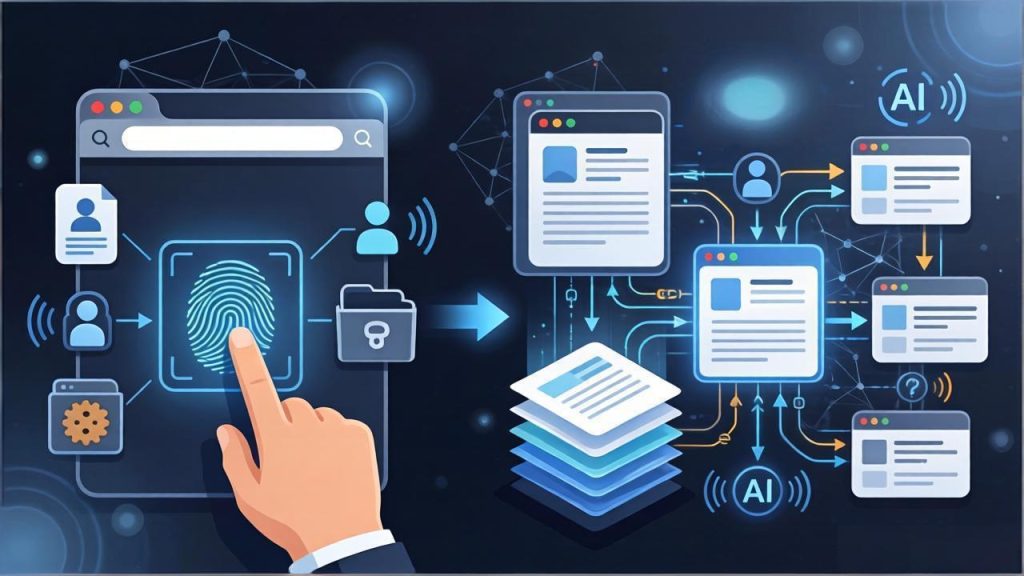
Most teams do not start by looking for an AI browser.
They start with a much simpler need. They want separate browser environments for separate accounts. They want different proxies, different cookies, different local data directories, and cleaner boundaries between workflows. At that stage, a fingerprint browser already solves a real problem. It stops account handling from turning into a mess.
That is why the first layer still matters. A product such as Web4 Browser is useful because it gives teams a controlled way to run separate browser identities instead of forcing everything through one shared browser state.
But the longer a team works with multiple accounts, the more obvious another problem becomes.
The real bottleneck is usually not profile creation. It is what happens after the profiles already exist.
A team may have isolated environments and still waste time on repeated setup, unclear handoffs, inconsistent execution, fragile reuse, and workflows that become harder to trust as volume grows. At that point, the browser is no longer being judged only by whether it can separate one account from another. It is also being judged by whether it can help the team operate those accounts in a steadier way.
That is where the difference between a traditional fingerprint browser and an AI browser starts to matter.
Isolation is still the foundation
A good fingerprint browser solves the first layer well.
Each account gets its own browser identity. Proxy settings can be matched to the right profile. Cookies and browsing history stay separated. Teams can reuse setups instead of rebuilding everything from scratch. For anyone handling multiple logins, that is already a major improvement over using a normal browser.
This is also why the base product model matters so much. The Product Overview for Web4 Browser positions the browser as a workflow system built around isolated profiles, proxy assignment, local data separation, reusable templates, and automation compatibility. That is not a minor detail. It is the infrastructure layer that makes multi-account work manageable in the first place.
But that foundation does not remove operational friction on its own.
It only gives the team a safer starting point.
The real drag starts after setup
Many teams assume the hard part is over once every account has its own profile.
In practice, that is where a different kind of drag often begins.
Someone still has to decide how the environment should be configured. Someone still has to keep proxies aligned with the right workflow. Someone still has to explain which template should be reused, which process is stable, and which setup is safe for a specific task. As account volume grows, small inconsistencies stop feeling small.
This is exactly the boundary your current blog is already pointing toward in How to Validate Proxy and Fingerprint Consistency for Multi-Account Operations. That article is really about a deeper issue: isolation alone is not enough if the full environment stops telling one believable story.
That is the moment when the team starts asking harder questions.
Why does the same task get done differently by different operators
Why does one profile behave well in one workflow and become confusing in another
Why does scaling from a few accounts to dozens suddenly make troubleshooting much slower
Why is the browser environment already there, yet the work still feels heavily manual
These are not just browser questions anymore.
They are workflow questions.
An AI browser changes the job of the browser
The easiest mistake is to think an AI browser is just a fingerprint browser with an assistant panel attached to the side.
That framing is too shallow.
A traditional fingerprint browser mainly gives you isolated containers. An AI browser tries to make those containers easier to operate as a system. The shift is not only about adding another feature. It is about changing the role of the product.
Instead of stopping at separation, the browser starts helping with task guidance, workflow reuse, repeated decisions, and the handoff logic that teams usually carry in scattered notes or in one operator’s memory.
That is also the interesting part of AI Collaboration. The product page does not present it like a detached chatbot. It presents it as workflow support inside real multi-account operations: helping teams break down tasks, guide actions, reduce repetitive work, capture usable knowledge, and standardize how work gets done.
That difference sounds subtle until a team has to repeat the same work every day.
Then it becomes very practical.
The real upgrade is workflow coherence
When people compare products in this category, they often stay focused on the visible feature list.
How many fingerprint parameters are supported
Which proxy types are accepted
Whether automation is available
How many profiles can be created
Those are fair questions, but they do not get to the center of the decision.
The more useful question is whether the browser helps the team keep its workflows coherent over time.
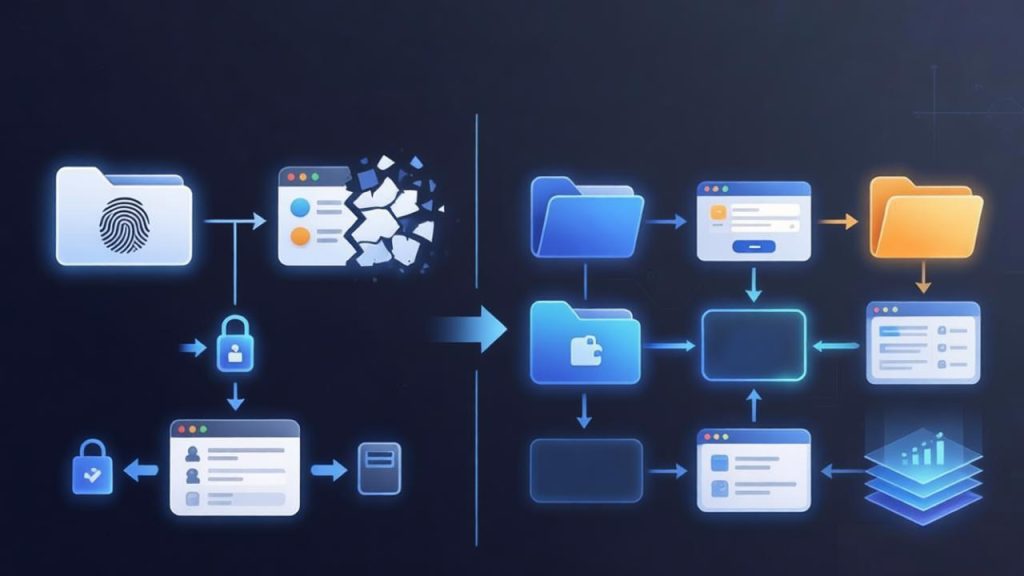
Can a working setup be turned into something reusable instead of being rebuilt from memory
Can the same operating logic survive handoffs between teammates
Can templates save time without slowly introducing new inconsistency
Can manual work and automated work still behave like the same environment model
Can the system stay understandable as the workload grows
This is where an AI browser begins to feel different from a tool that only manages profiles.
A profile manager can separate identities.
A workflow-oriented browser can separate identities while also making repeated work easier to execute, easier to standardize, and easier to reuse.
That is a bigger operational difference than it first appears.
Why teams feel this more than solo operators
A solo operator can often tolerate a surprising amount of friction.
A team cannot.
One person can remember why a certain proxy was chosen, why one account follows one sequence, or why a particular template should not be reused outside a narrow context. Once several people are involved, that memory becomes unreliable. The system has to carry more of the logic.
This is one reason the AI layer matters more as work becomes collaborative. The issue is not whether AI sounds advanced. The issue is whether the browser can reduce repeated explanation, lower setup variance, and help teams stop reinventing the same process every week.
That is also where the broader positioning of Web4 Browser makes more sense. The product is not framed only as a place to launch isolated profiles. It is framed as a multi-account workspace that connects identity isolation, proxy control, reusable templates, AI collaboration, and automation access into one operating model.
For a team under real workflow pressure, that is a more meaningful promise than profile count alone.
Not every workflow needs this immediately
It is also worth being honest about the boundary.
If you only manage a small number of accounts, rarely repeat the same workflow, and almost never hand work across teammates, then a traditional fingerprint browser may already be enough. In that situation, the main requirement is clean separation. You do not need to force a bigger operating model onto a small workflow.
But once your daily work starts depending on repeatability, shared templates, proxy consistency, operator handoffs, or automation hooks, the decision changes.
You are no longer choosing only a browser.
You are choosing how much operational structure the browser can carry for you.
That is when the AI browser model becomes easier to justify. Not because it replaces all manual work, and not because it magically fixes every weakness in the stack, but because it helps move the browser from being a passive environment container into an active part of the workflow.
For teams already spending too much time on repeated setup and hidden inconsistency, that shift can save more energy than another round of profile tweaking.
What actually changes
So what changes when a fingerprint browser becomes an AI browser
The short answer is not just the feature list.
The product role changes.
A fingerprint browser protects separation.
An AI browser tries to protect separation while also reducing the operating cost around that separation.
That means less dependence on memory, less repeated setup work, better reuse of proven configurations, more guidance during real tasks, and a cleaner bridge between manual operations and automation. It also gives teams a better chance of staying organized as account volume increases.
That is the practical difference.
The teams that benefit most are usually not the ones asking for more windows. They are the ones asking for a steadier way to run the work behind those windows.
If your workflow has already moved beyond simple profile isolation, it is worth looking at whether the browser should do more than just separate identities. You can start with the download page and compare the current options on the pricing page before deciding how much workflow structure your team actually needs.