203.0.113.42:1080Protocol and endpoint stay attached to the saved profile until the network configuration is changed.

Web4 Browser · AI antidetect browser & multi-accounting workspace
Assign HTTP, HTTPS or SOCKS5 proxies per profile, then keep that route binding with the saved environment while the active connection determines the public IP, route geography and other network-origin signals a website can observe.
How it works Proxy & Network is one layer of the saved profile—not the browser identity itself. Change the route when the network origin needs to change; the profile remains the reference environment for identity, session and execution context.
The network layer is easiest to understand as a path. Configuration belongs to the profile; public network context comes from the active route; diagnostics show the observable result.
203.0.113.42:1080Protocol and endpoint stay attached to the saved profile until the network configuration is changed.


The active route supplies the public network context websites can observe while that route is in use.

Diagnostics can inspect this observable route context; they do not prove proxy reputation or platform acceptance.
Web4 keeps supported proxy and network context with the saved browser environment. The route used at runtime supplies the public network surface that diagnostics can inspect, while provider history, reputation and platform decisions remain outside the browser configuration.
The profile can carry an HTTP, HTTPS or SOCKS5 assignment together with its saved routing, location, timezone and network context.
The currently used connection is the route through which the profile reaches websites and external services.
Diagnostics can inspect what the test page actually receives from the active network path.
These factors are not browser-profile settings and cannot be certified by a route diagnostic.
Keep the saved profile as the stable center. Change the route binding, then let route-derived network context update around it.
Execution mode changes how the saved profile is operated. The profile keeps its network binding; each mode continues from that same environment instead of rebuilding a separate network setup.
203.0.113.42:1080
Current route
The route binding belongs to Profile #16, so changing the execution surface does not create a separate network setup.
The saved profile opens with its current network binding already attached.
The execution interface changes, while Profile #16 keeps the same saved binding.
Automation starts from the same saved profile and its current bound route.
Web4 keeps context around the same saved profile: network context remains with the environment, AI workflows execute inside that profile, and Headless/CDP can operate the same profile without rebuilding its context.
| Workflow state | Saved browser profile | Network context | Execution surface |
|---|---|---|---|
| Open the saved profile | ReusedIdentity and session state continue with the profile. | With environmentPer-profile proxy/network context remains associated with the saved profile. | Manual browser |
| Run an AI browser workflow | Same profileThe task executes inside the saved profile context. | ReusedThe workflow does not require a separate proxy setup for the same profile. | AI workflow |
| Run through Headless / CDP | Same profileHeadless/CDP operates the saved profile rather than rebuilding it. | ReusedThe saved environment carries its network context into programmatic execution. | Headless / CDP |
Provider-side rotation, failover and upstream network behavior are external to the saved Web4 profile. The profile preserves its own configured network context; a provider may still determine what happens behind the endpoint it supplies.
Use network-focused diagnostics before a workflow begins or after a route changes. Each tool inspects one observable part of the network path rather than repeating the same generic icon.

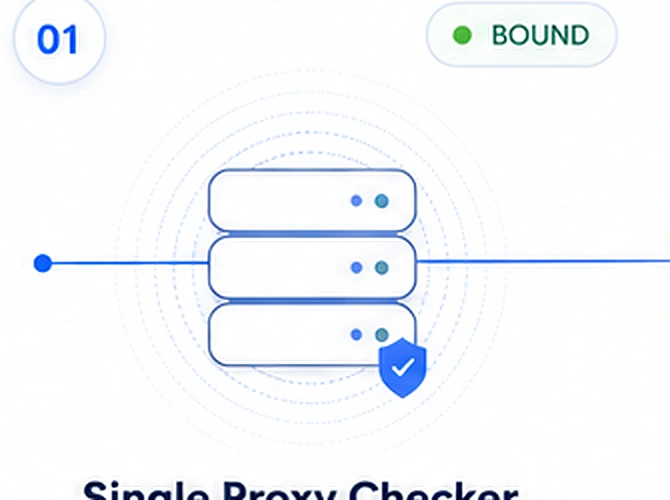
Test HTTP, HTTPS or SOCKS5 reachability through the configured proxy.
Run check →
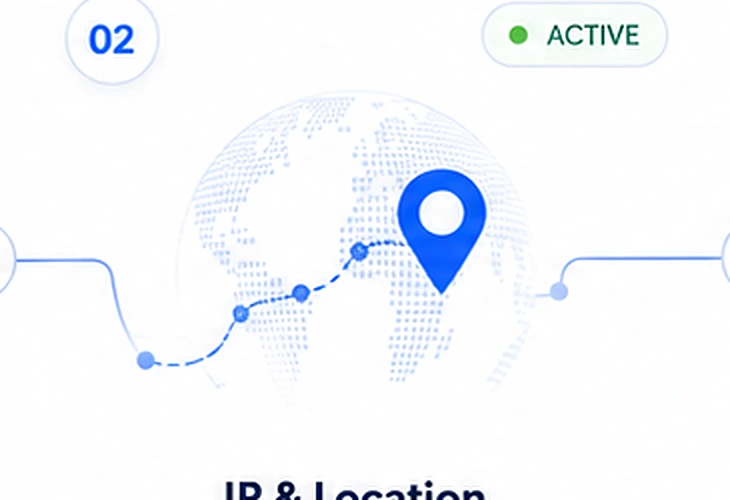
Inspect public exit IP and route geography.
Inspect →
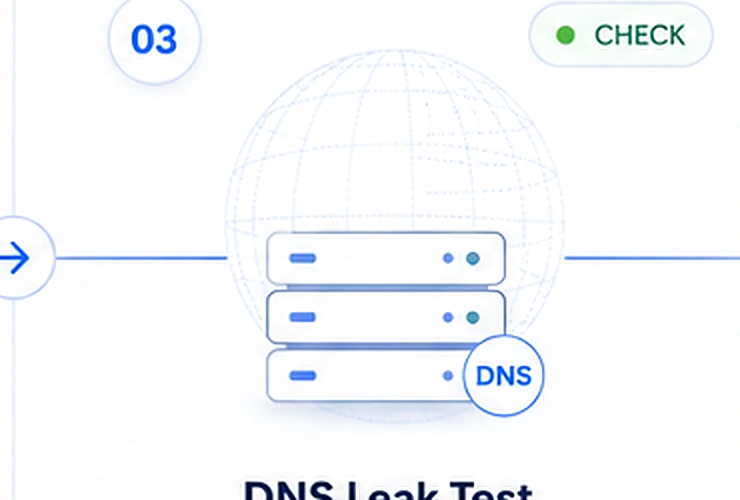
Inspect resolver exposure and the DNS path visible to the test.
Run test →
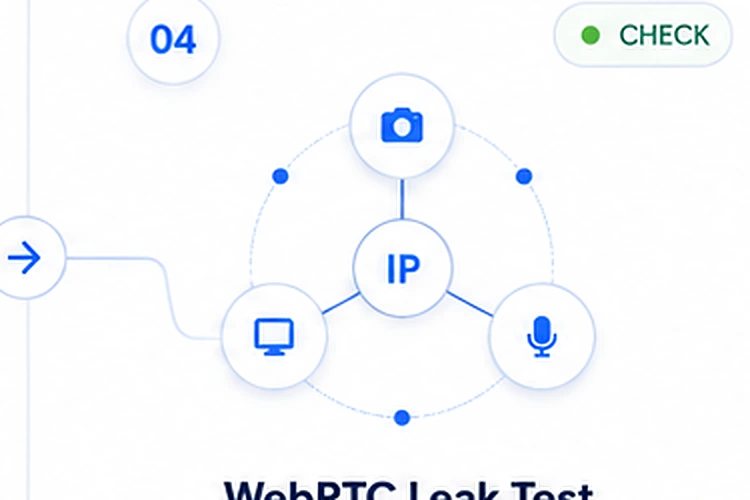
Inspect WebRTC-visible network information and peer exposure.
Run test →Diagnostic boundary. A network check can show what the route exposes; it cannot prove the prior reputation of an IP or predict a platform decision.
The four diagnostics answer different questions. Run them as a sequence instead of treating a single green result as proof of the whole account environment.
The configured route was not reachable in that test. The result does not by itself identify whether the cause is credentials, endpoint availability, provider-side behavior or another network condition.
The public exit observed by the test differs from the route you expected. Treat that as network-layer evidence; it is not evidence that the saved browser identity was rebuilt.
The test observed another network surface. Investigate that surface directly rather than using a browser-fingerprint result as a substitute.
You have verified the observable network path used by those tests. This still does not certify prior IP reputation, account history or platform acceptance.
Network configuration is useful only when the boundary is explicit. Web4 can coordinate a supported proxy binding; it does not determine provider history, prior IP reputation or platform policy.
Web4 can configure supported protocol assignment and keep the selected route binding with the saved browser environment.
The active route supplies the public network context a website can observe while that connection is in use. Location and timezone remain part of the saved environment context; this page does not assume a specific provider-side rotation or failover policy.
Provider uptime, prior proxy reputation, account history and platform acceptance remain outside the browser configuration.
Create a free Web4 account, then apply for Windows trial access when you are ready to test per-profile proxy and network configuration. Trial access is by approval.