Start your multi-account operation
Create your first browser environment in minutes
Download Web4 Browser, create an independent browser identity, and manage multiple accounts safely and efficiently.
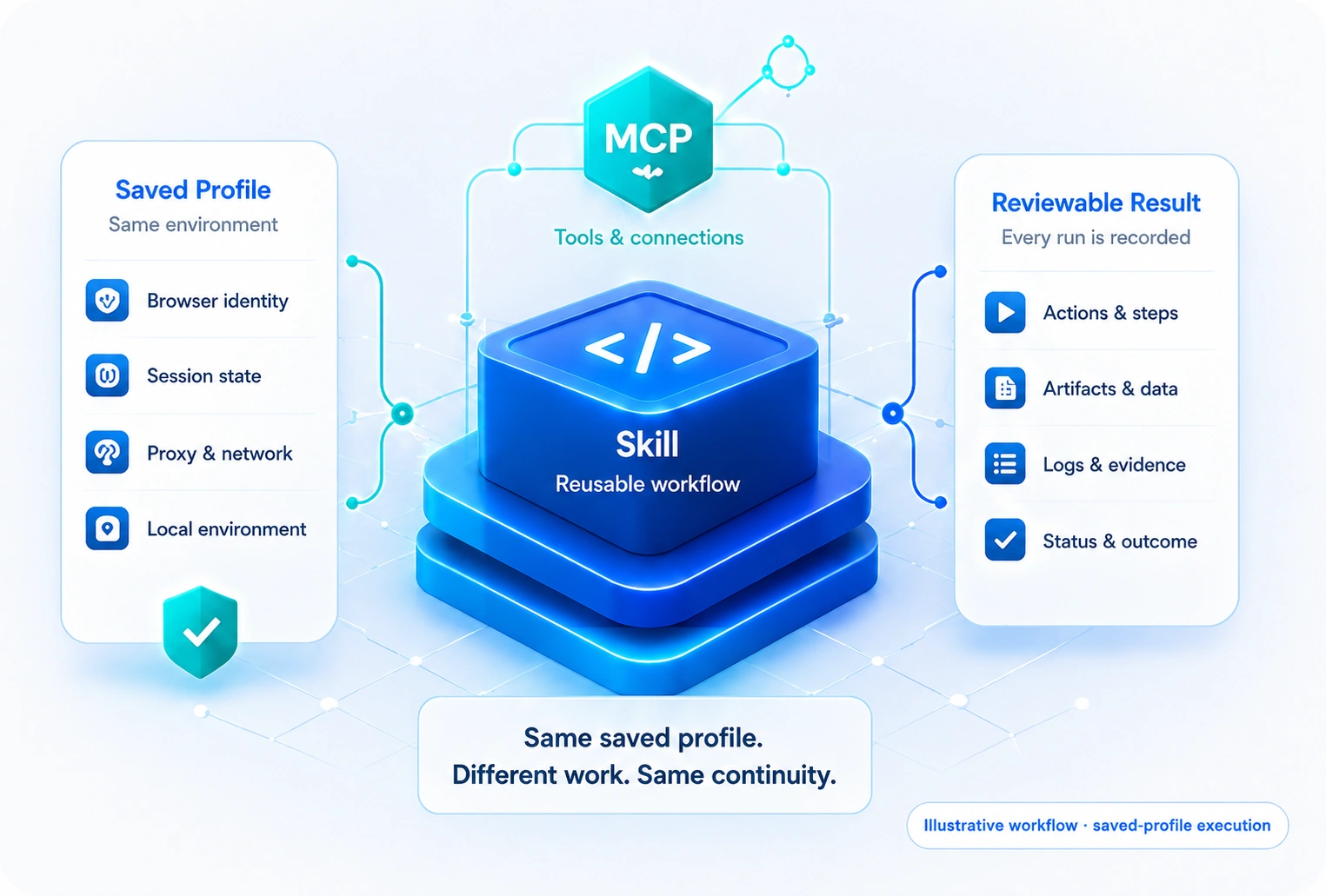
Organize approved browser actions as reusable skills, connect them to MCP tools, and run them inside the right browser profile with clear inputs, outputs, and review points.
Skills describe what the browser should do. MCP connections provide approved tools and data. Browser profiles preserve the account context in which the work must run.
Start with one repeatable task, define its boundaries, connect approved tools, and validate the result.
Document the trigger, inputs, browser steps, and expected output.
Package the approved steps into a reusable team instruction.
Provide only the tools and data required for the task.
Execute in the correct profile and refine exceptions.
Combine reusable instructions, connected tools, browser context, and review in one workflow.
Organize repeatable browser procedures for team reuse.
Connect approved tools and structured data sources.
Define what a skill receives and what it must return.
Run workflows inside the expected account session.
Control who can edit, run, and review each workflow.
Keep run status, outputs, and exceptions visible.
Download Web4 Browser, create an independent browser identity, and manage multiple accounts safely and efficiently.