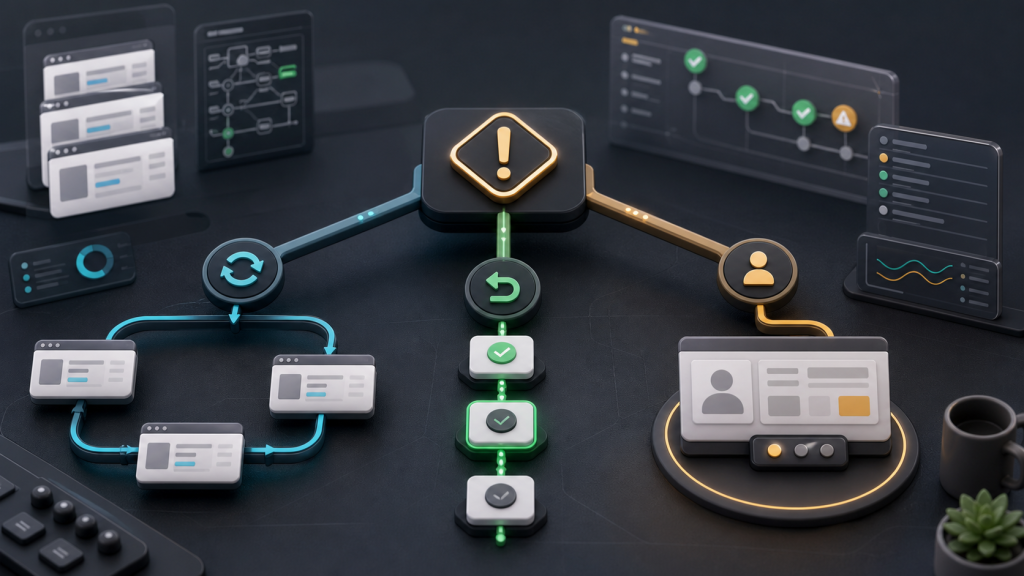
Browser Automation Recovery Plan: Retry, Roll Back, or Hand Off?
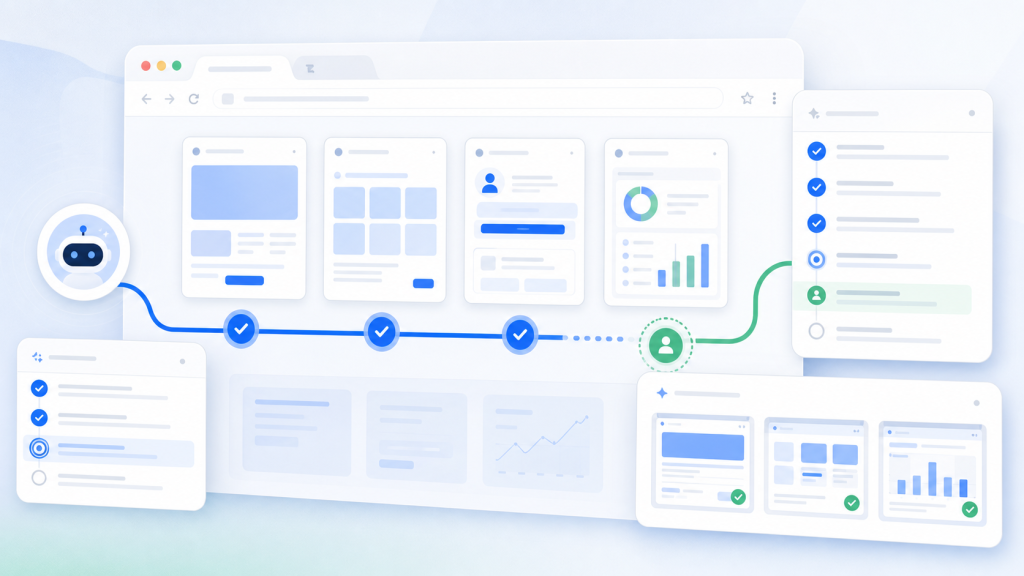
A failed browser automation run should not always be retried. Use this recovery plan to decide when to retry, roll back, or hand the task to a human reviewer.
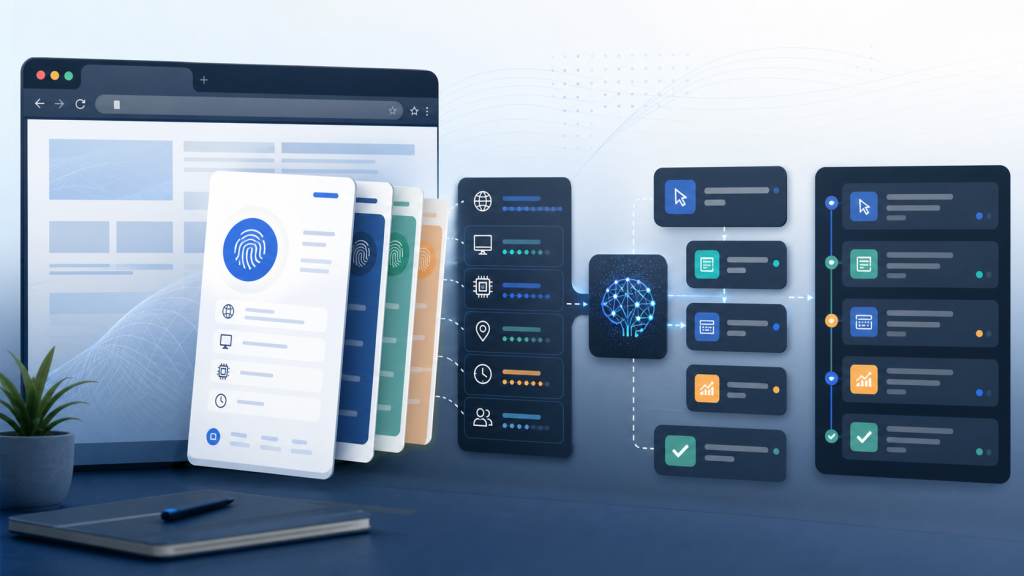
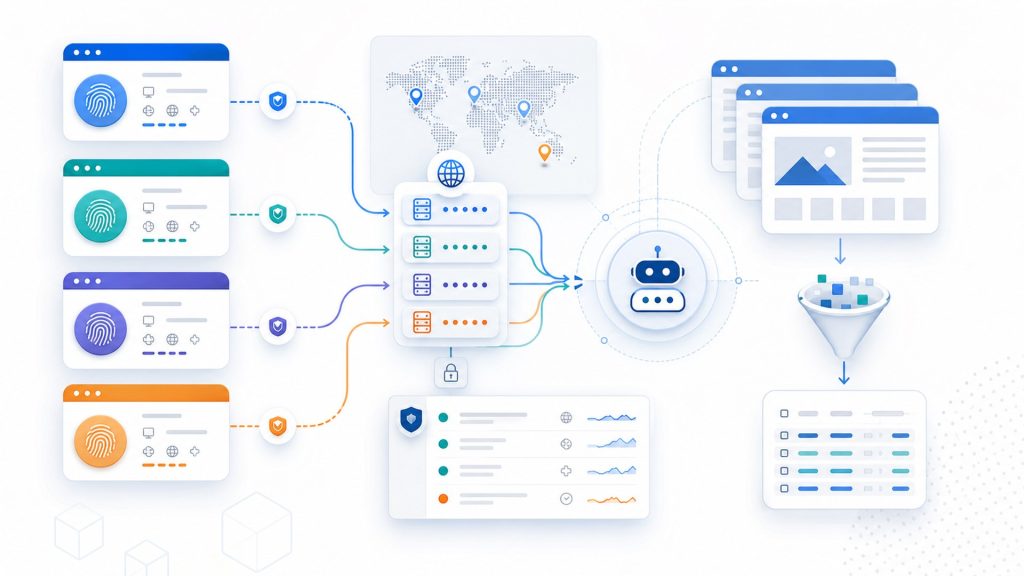
A fingerprint browser should not be selected only by how many profiles or windows it can open. Teams also need to evaluate account context, proxy binding, task logs, review steps, and automation reliability.
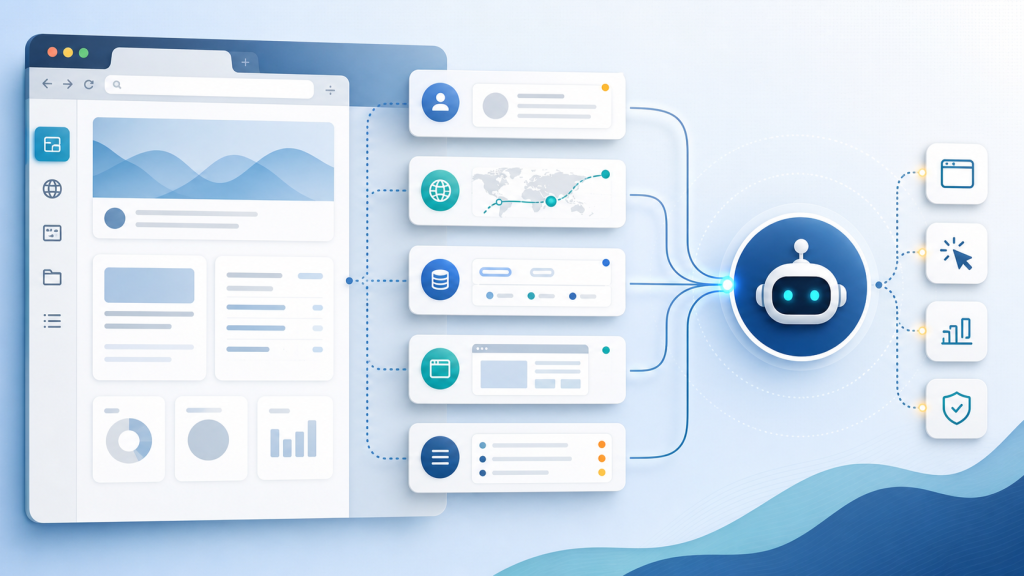
Browser AI agents can inspect pages faster than manual operators, but multi-account teams still need a runbook for account context, evidence, stop conditions, and human review.
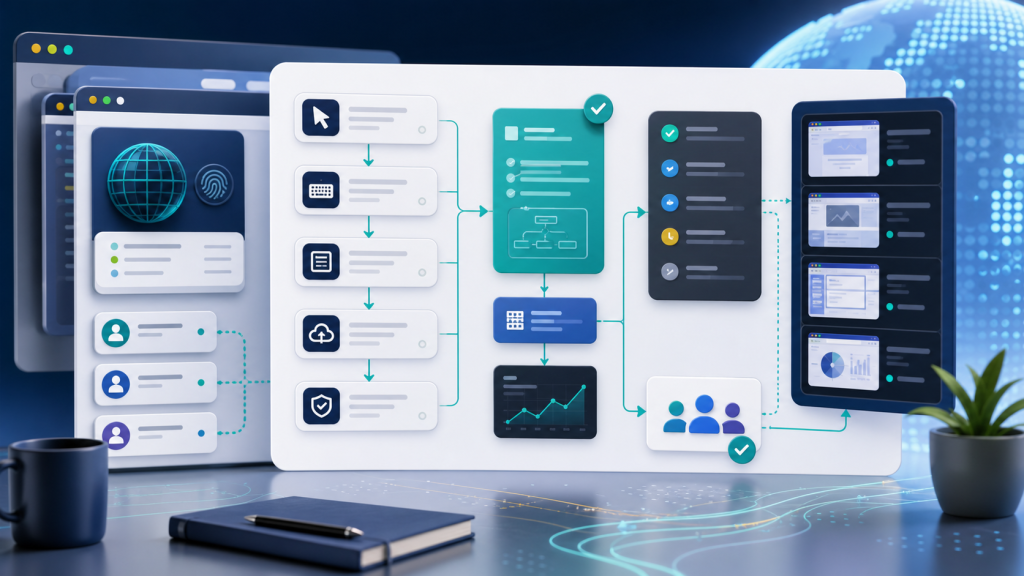
Repeated browser tasks should not stay as scattered clicks or one-off scripts. This guide shows how teams can turn browser task automation into reusable templates, execution records, and reviewable evidence.
Use this 7-day pilot scorecard to evaluate whether an AI browser workspace can support account environments, task logs, team handoffs, and review before a wider rollout.
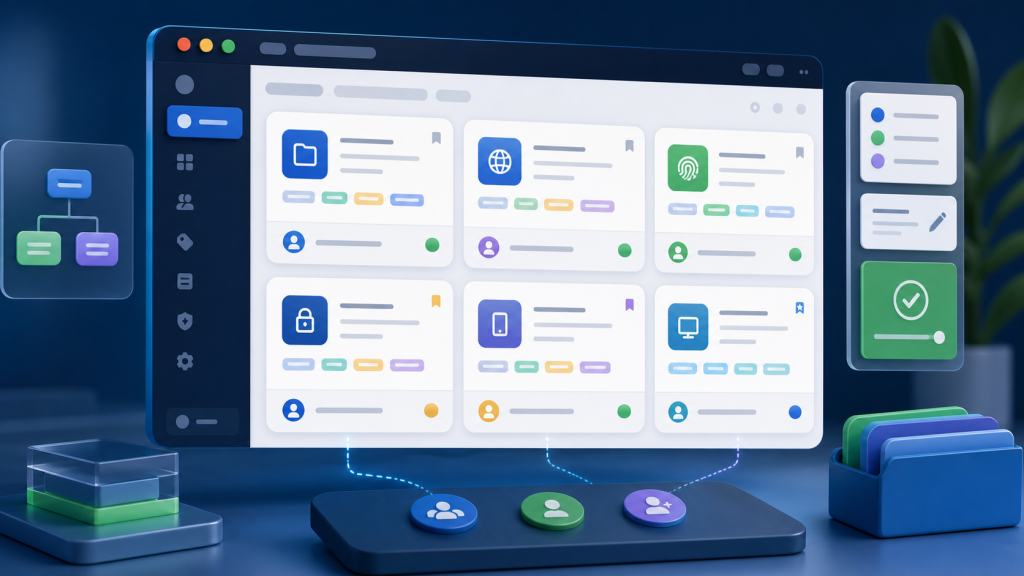
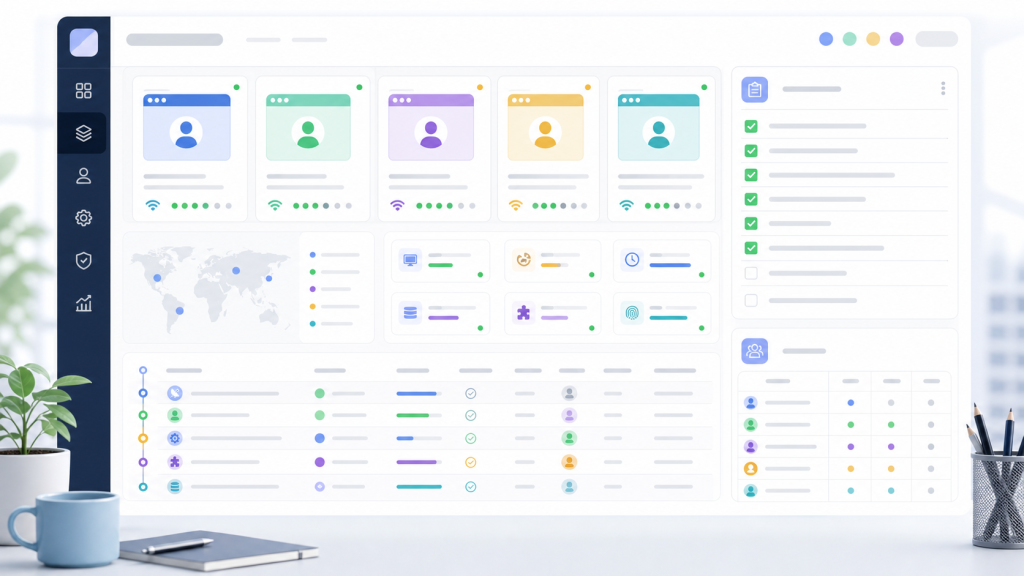
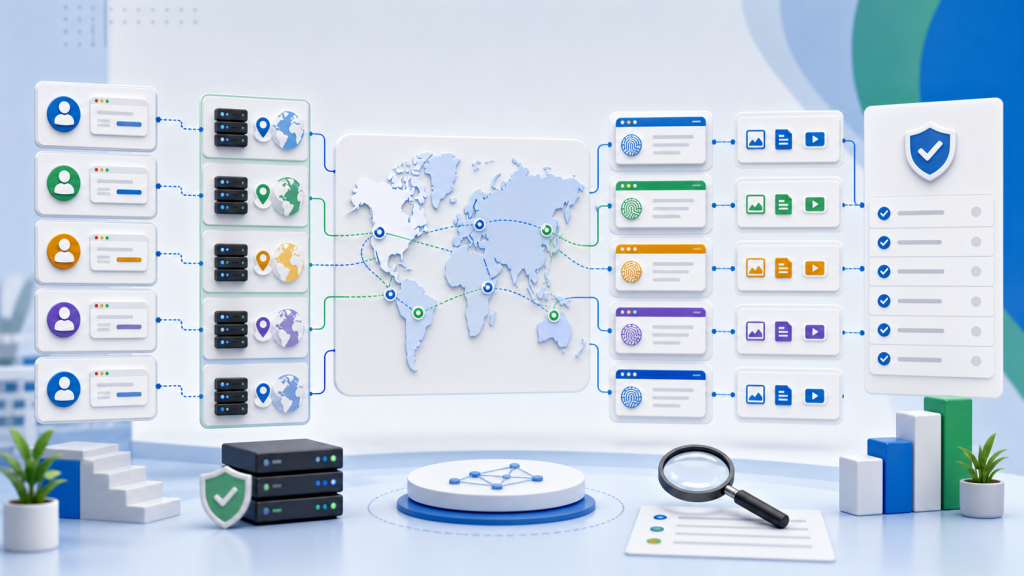
Account management software can organize owners and credentials, but multi-account browser work also depends on profiles, proxies, sessions, task logs, and review evidence.
A practical decision table for choosing headless browser automation, visible review, or a hybrid workflow when browser tasks depend on profile state, proxy context, and evidence logs.
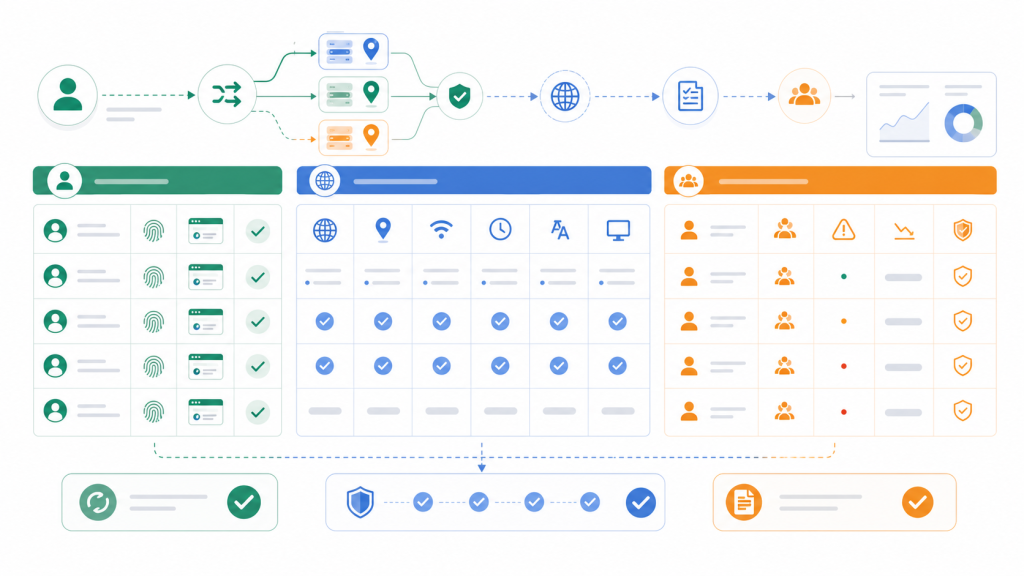
A practical browser profile consistency checklist for checking proxy, timezone, language, account context, and automation evidence before team handoff or an AI browser task.
Browser automation logs should capture more than error messages. Learn what evidence teams need when AI browser tasks fail, including profile context, session state, proxy mapping, screenshots, stop reasons, and human review rules.
Cookies, sessions, and browser profiles are often discussed as if they are the same thing. For multi-account teams, separating them is the first step toward safer handoffs, clearer debugging, and more reliable AI browser automation.
Before an AI browser agent runs across live accounts, teams should review task scope, browser profile identity, session state, proxy fit, stop points, and the review trail.
Teams looking for an AdsPower alternative should compare more than browser profiles. This guide explains what to check across proxies, sessions, handoff, automation context, and team workflow control.