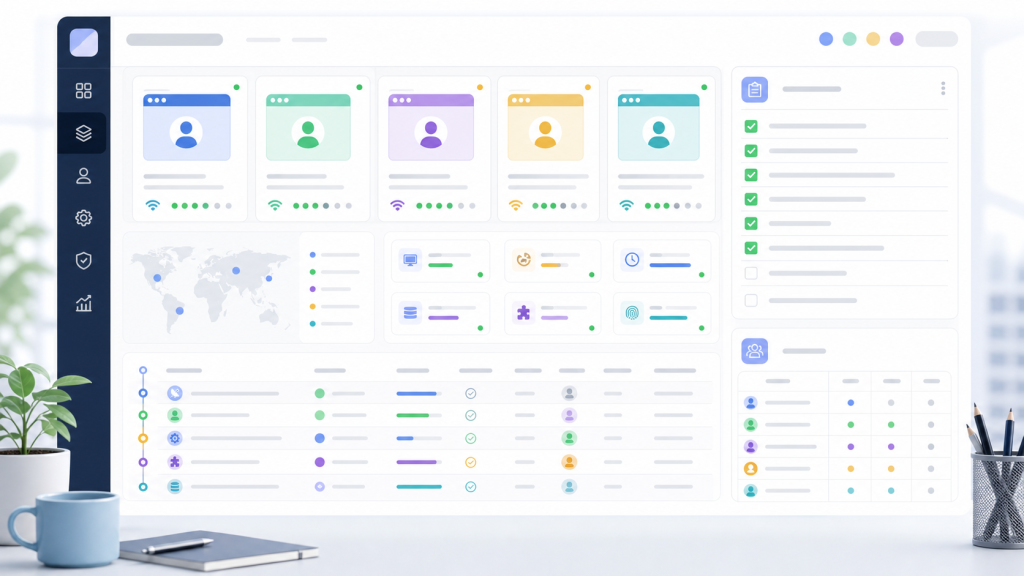
Most browser automation problems do not start with the automation layer. They start earlier, when a team does not agree on who owns each browser profile, which proxy belongs to which account context, what session state is allowed to persist, and where task evidence should be reviewed.
If that foundation is loose, automation makes the workspace look faster while making the workflow harder to explain. A task may run, but the team cannot easily answer which profile produced the result, which environment changed, who reviewed the output, or what should happen when the task pauses.
What a Browser Workspace Should Control
A browser workspace is not just a place to store profiles. For a multi-account team, it should control the operating context around each task: profile ownership, proxy binding, session state, task inputs, review notes, and recovery decisions.
That is why a browser automation workspace should be evaluated as a workflow system, not as a window launcher. The practical question is whether the workspace helps the team explain and repeat work without guessing.
The Readiness Checklist
Before adding automation, standardize these six areas. If one area is missing, the team should treat it as a process gap rather than a script problem.
| Workspace area | What to standardize | Why it matters before automation |
|---|---|---|
| Profile ownership | Owner, backup owner, account purpose, allowed task types | Tasks need a clear account context and accountability path |
| Proxy binding | Proxy source, region, sticky rules, expected locale | Environment changes should not be discovered after a task fails |
| Session state | Login status, allowed persistence, reset rules | Automation should know whether it is starting from a valid session |
| Task inputs | URLs, forms, files, prompts, table fields | Repeat work needs repeatable inputs, not chat history |
| Review points | What humans must approve before submission or handoff | Automation should not make business judgments by default |
| Task evidence | Logs, screenshots, error reasons, next action | Failures become recoverable only when evidence is available |
Profile Ownership Comes First
Profile ownership is the first control layer because every browser task eventually runs under an account context. If the team does not know who owns a profile, which work it is allowed to perform, and how another operator should take it over, automation inherits the confusion.
A useful profile record should include purpose, owner, allowed task types, proxy expectation, notes about session state, and handoff rules. The browser profile handoff test is a good starting point when profile records are inconsistent across a team.
Proxy Binding Should Be a Workspace Rule
Teams often treat proxy settings as a technical detail. In a browser workspace, proxy binding is part of the account environment. The profile, proxy, region, timezone, language, and task type should be reviewed together.
This matters because automation can make repeated mistakes faster. A stable proxy mapping checklist helps the team catch mismatches before the task begins instead of after a login prompt, locale change, or review queue appears.
Task Logs Should Explain Decisions
Task logs should not only say that a run succeeded or failed. They should explain what was attempted, which environment was used, where the task paused, what evidence was captured, and whether a human reviewed the next step.
For repeated work, the task log is the difference between a reusable workflow and a one-off attempt. The same principle appears in a reviewable workflow asset: a task becomes useful to the team only when the next operator can inspect it and reuse it.
Assign Owners for Each Control Layer
One reason browser workspaces become messy is that every control layer has a different real owner. The person who manages accounts may not be the person who writes task prompts, reviews outputs, updates proxies, or decides whether a failed run should be retried.
| Control layer | Primary owner | Review question |
|---|---|---|
| Profile record | Account operator | Is this profile still assigned to the right work? |
| Proxy and locale | Environment owner | Does the environment still match the account context? |
| Automation task | Workflow builder | Are inputs, steps, and stop conditions clear? |
| Human review | Business owner | Which outputs require approval before action? |
| Recovery decision | Team lead | Should the task retry, roll back, or hand off? |
This ownership table prevents automation from becoming a shared responsibility that nobody can actually audit.
Use a Recovery Rule Before Scaling
Every team should define a recovery rule before scaling browser automation. A failed task should not automatically retry forever, and it should not be abandoned without context. The workspace needs a simple path: retry when the input is missing or temporary, roll back when the environment changed, and hand off when the next decision depends on a person.
The automation recovery plan is the right companion to this checklist because it turns failed runs into defined decisions instead of ad hoc troubleshooting.
A Simple Automation Readiness Test
Before automating a repeated workflow, ask the team to answer these questions in writing:
- Which profile should run the task, and who owns that profile?
- Which proxy and locale settings are expected for that profile?
- What inputs must be available before the task starts?
- Which steps can automation perform without judgment?
- Which outputs require human review?
- What evidence must be captured for success, failure, and skipped runs?
- When should the task retry, roll back, or hand off?
If the team cannot answer these questions, it is too early to scale automation. Start with workspace standardization, then move the stable pieces into task templates.
Where Web4 Fits in the Workflow
Web4 Browser is useful when a team needs profile context, proxy binding, task records, and review handoffs to live in one operating layer. The goal is not to remove every human decision. The goal is to make browser work repeatable, reviewable, and easier to recover when something changes.
For teams evaluating whether this layer is ready, a 7-day pilot checklist can test the same controls in a limited scope before the team changes its broader workflow.
Final Check
A browser workspace is ready for automation when another operator can understand the profile, environment, task input, review rule, and recovery path without asking the original operator to explain everything from memory.
That standard is stricter than opening more browser windows. It is also more useful. Once the workspace can explain the work, automation has a stable place to operate.