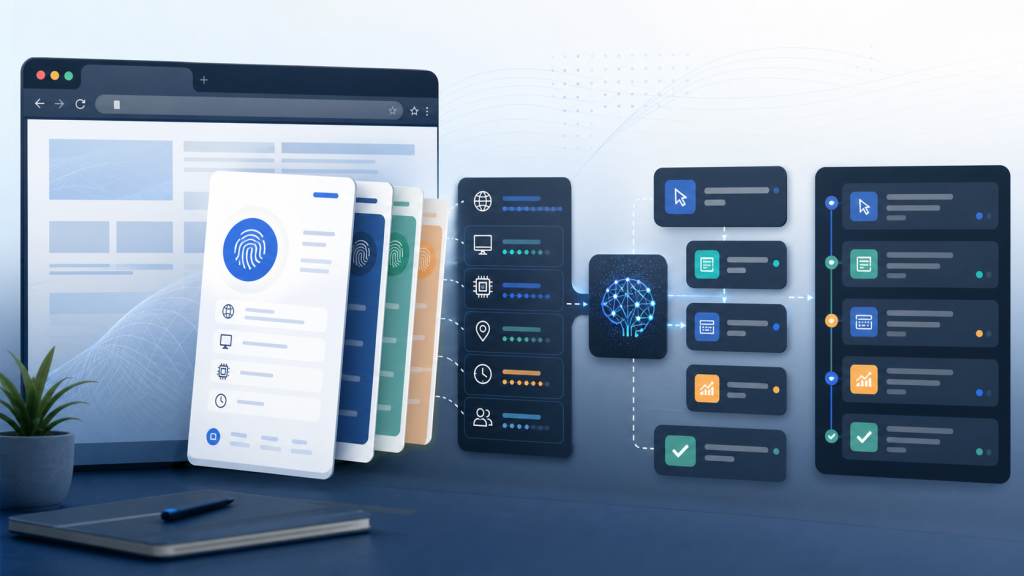
An AI fingerprint browser should not be judged only by whether it can create isolated browser profiles. For teams that run repeated browser tasks, the harder question is whether each profile can carry the right proxy, session, task boundary, execution record, and handoff evidence into the next run.
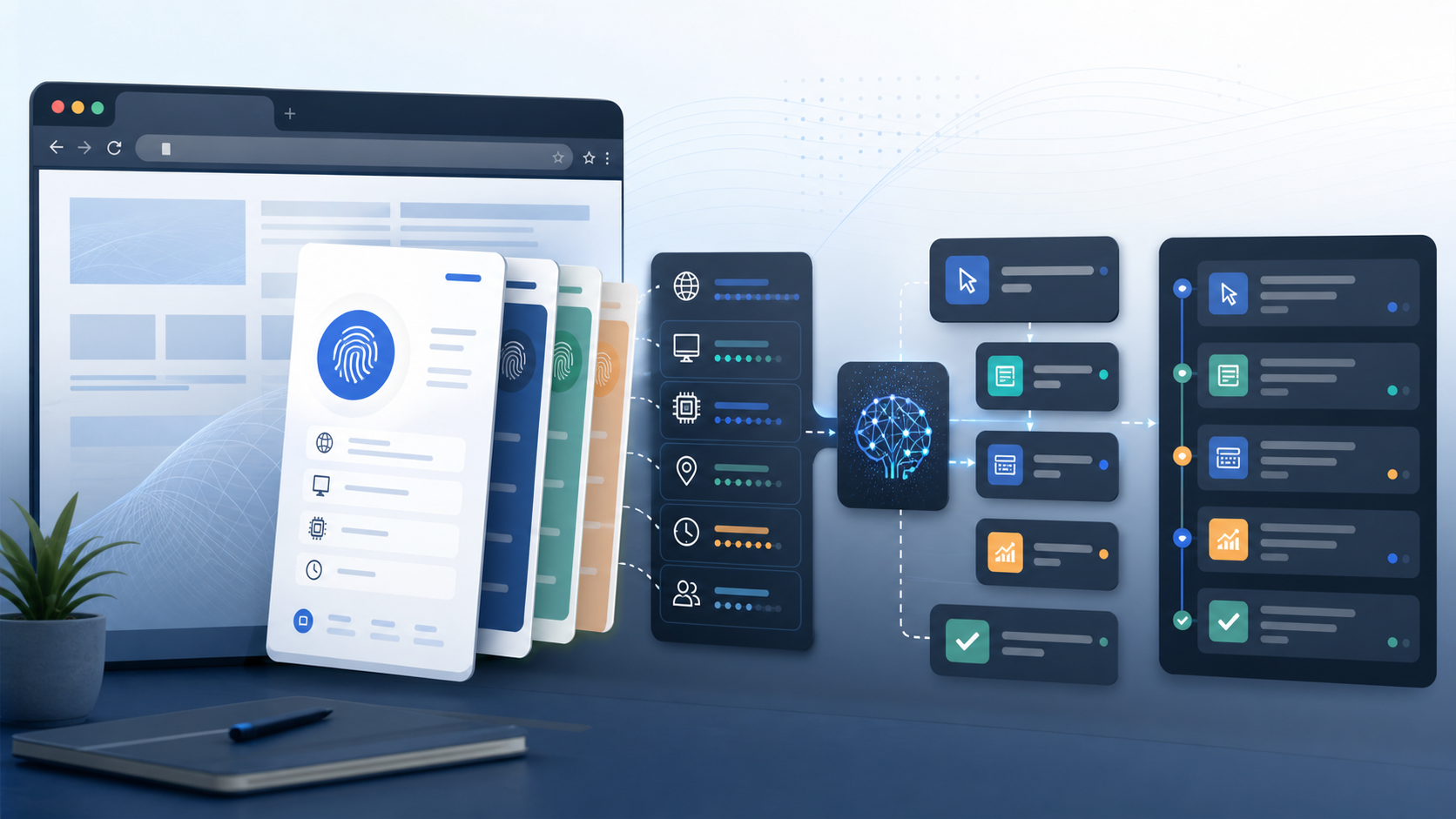
This article explains the shift from environment isolation to task execution evidence. It gives a decision table, an environment-to-task checklist, and a compact evidence manifest that teams can use before they scale AI browser workflows.
What an AI fingerprint browser needs to prove
A traditional fingerprint browser focuses on separating browser environments. That layer still matters, but AI browser work adds a second requirement: the task must run in the intended account context and leave enough evidence for a teammate to review what happened.
- Environment isolation: profile identity, fingerprint settings, local storage, timezone, language, and device assumptions stay consistent.
- Proxy binding: the route belongs to the profile and matches the task’s region assumptions.
- Session context: the task starts from a known login or review state instead of guessing from a page.
- Task boundary: the AI agent has allowed actions, stop conditions, and a human review branch.
- Execution evidence: logs, screenshots, URLs, page states, and handoff notes show what the run actually did.
The fingerprint environment layer answers whether the profile is separated. The AI workflow layer answers whether the task can be reviewed, repeated, or handed off without losing context.
Decision table: isolation only or task-ready context?
| Question | Isolation-only answer | Task-ready answer |
|---|---|---|
| What does the profile store? | Browser settings and account state. | Browser settings, account state, owner, purpose, proxy route, and task notes. |
| How is proxy use checked? | The proxy is connected. | The proxy is mapped to a profile, region, language, and task owner. |
| What happens when the page changes? | The operator retries or opens another profile. | The run records the unexpected state and follows a review branch. |
| How does a teammate review the task? | They ask the operator what happened. | They inspect the task log, page state, screenshots, and handoff note. |
| What is the success criterion? | The page opened in an isolated profile. | The task ran in the right context and left evidence for the next decision. |
Environment-to-task checklist
Before an AI agent touches a browser task, the profile should pass a short environment-to-task check. This avoids turning profile isolation into blind automation.
- Confirm the profile owner, project, region, platform, and intended account role.
- Check that proxy route, timezone, language, and fingerprint settings describe the same operating context.
- Record the expected starting page and common abnormal states such as logout, permission prompt, empty dashboard, error page, or unexpected modal.
- Define the agent’s allowed actions and the conditions that require a human review.
- Decide which fields the task log must capture before the run can be considered complete.
For repeated account workflows, the proxy mapping layer should be treated as part of the browser profile’s operating context, not as a separate setting that can be changed without a review note.
Evidence manifest template
Use this compact manifest when a team wants browser tasks to be reviewable instead of only repeatable.
Profile name:
Profile owner:
Account purpose:
Proxy route and region:
Expected session state:
Expected first page:
Allowed AI agent actions:
Stop conditions:
Human review triggers:
Evidence to capture:
Task result:
Exception or abnormal page state:
Next owner:
If this manifest becomes a repeated operating pattern, move it into a reusable workflow layer so the team does not rewrite the same browser context before every run.
Where AI agents change the profile requirement
AI agents make the browser profile more important, not less important. A human operator may notice that the wrong account, wrong region, or wrong page is open. An agent needs those boundaries written into the workflow.
- The agent should know which page state is expected before it acts.
- The workflow should stop when a page asks for credentials, identity review, payment, permission changes, or account recovery.
- The task log should separate agent action, page response, and human decision.
- The profile should retain enough context for the next teammate to understand why a run stopped.
The AI browser agent workflow is useful only when the account environment and review boundary are prepared first.
Common mistakes when evaluating AI fingerprint browsers
- Counting windows instead of workflows: more profiles do not automatically create better task control.
- Treating proxy status as enough: a connected proxy still needs a region, profile, and task reason.
- Letting agents guess page state: a login page, permission prompt, or abnormal dashboard should trigger a defined branch.
- Ignoring handoff records: without notes and evidence, every failed run becomes a private memory.
- Overclaiming automation: no browser workspace removes platform rules or replaces human judgment for sensitive account states.
Teams evaluating browser workspaces can compare this checklist with the broader workspace checklist before automation.
How to use this in a 7-day pilot
A short pilot should test whether the team can prepare, run, review, and hand off a task without relying on one operator’s memory.
- Pick three profiles with different account purposes.
- Write the evidence manifest for each profile before any repeated task.
- Run one low-risk browser task with clear stop conditions.
- Review whether the log explains the first page state, route assumption, task result, and next owner.
- Decide whether the workflow can be repeated by another teammate.
The existing 7-day pilot framework can be used as a companion when the evaluation includes team roles, profile ownership, and workflow repeatability.
Final check before scaling browser tasks
An AI fingerprint browser is most useful when isolation, automation, and review evidence are handled together. Before scaling a workflow, confirm that the team can answer four questions: which profile is being used, why that environment is correct, what the agent is allowed to do, and how the next teammate can review the result.