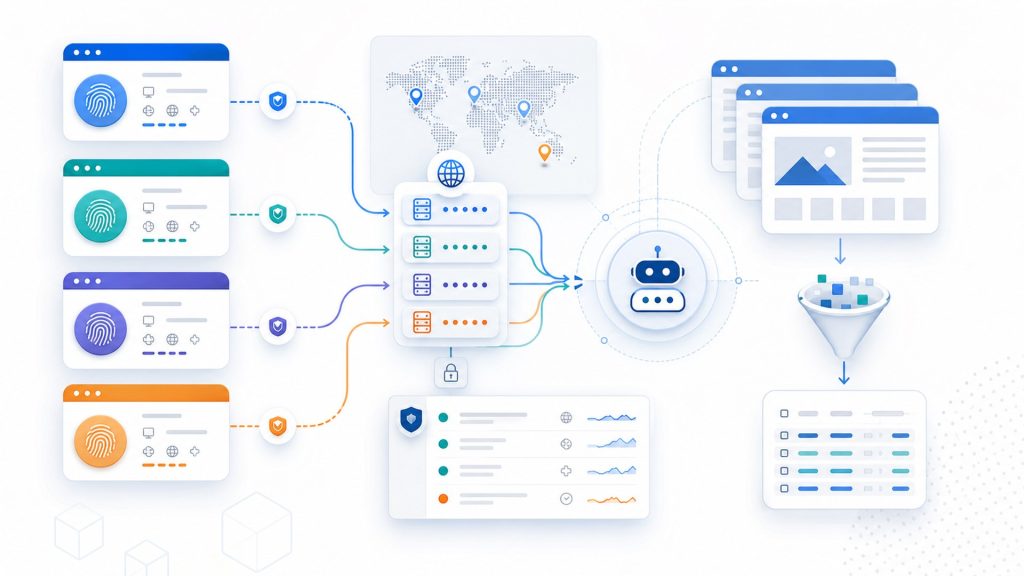
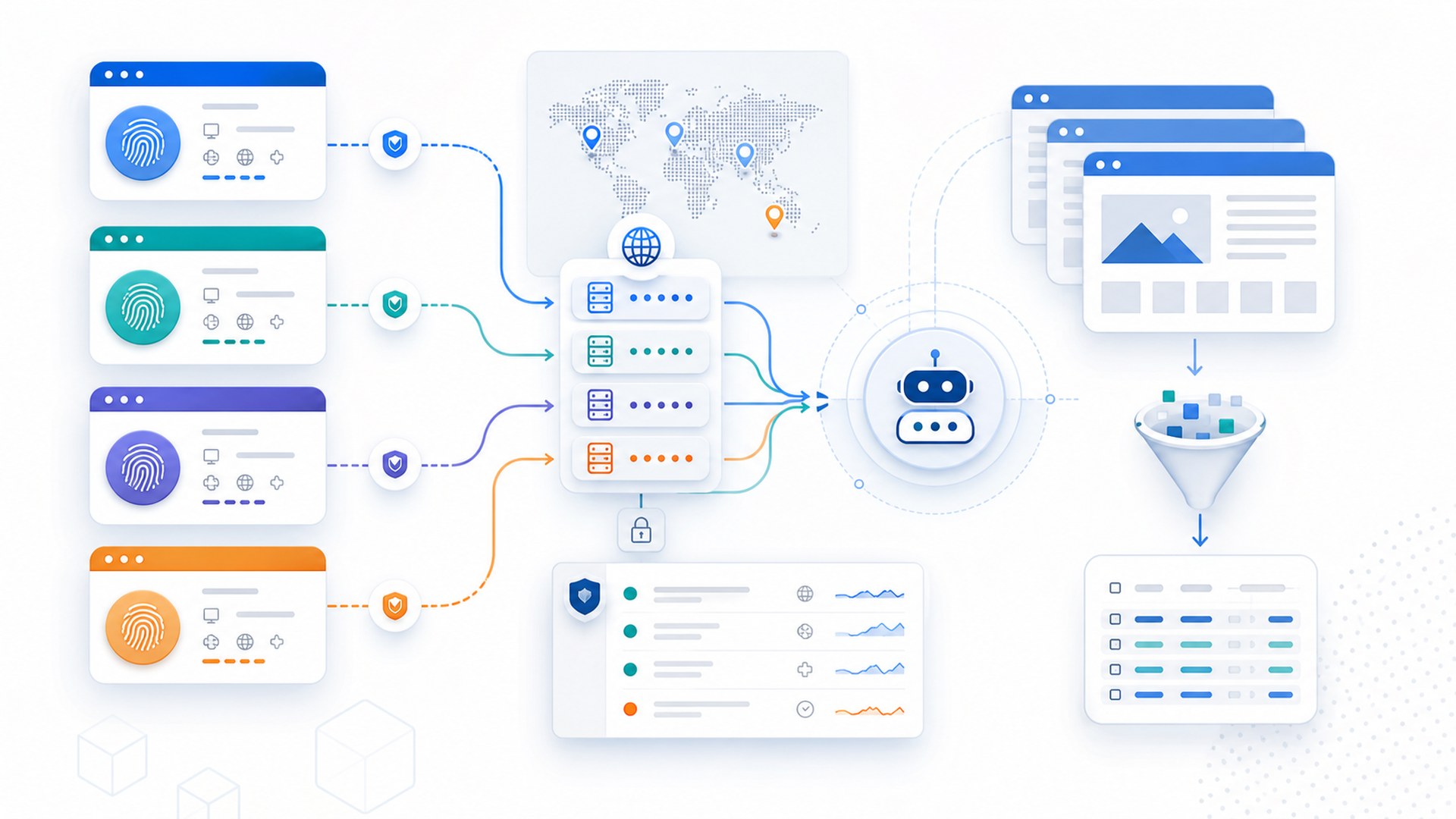
If you search for the best fingerprint browser for web scraping, the useful question is not simply which tool can open many browser profiles. The better question is whether your scraping workflow can run from the right profile, through the intended proxy route, with stable session state, measurable timing, and enough evidence to review what happened when a run fails.
This guide treats best as a set of checks, not as an unsupported ranking claim. Use it for authorized web scraping, internal data collection, QA, price monitoring, marketplace research, or other workflows where you are allowed to access the target pages and need a browser profile layer instead of a simple HTTP client.
Quick answer: what to check first
The best fingerprint browser for web scraping should help you control six things before a production run: browser profile isolation, proxy routing, fingerprint consistency, session persistence, automation access, and reviewable task evidence. If one of these is missing, the browser may still be useful for manual multi-account work, but it is harder to trust for repeatable scraping workflows.
| Selection area | What to verify | Pass condition | Stop condition |
|---|---|---|---|
| Profile isolation | Each scraping job has its own browser profile, storage, fingerprint settings, and account context. | A run can be repeated without borrowing cookies, local storage, extensions, or proxy settings from another profile. | Profiles are copied, shared, or renamed without knowing which account, proxy, and job they belong to. |
| Proxy routing | Protocol, host, port, credentials, outbound IP, region, and rotation or sticky behavior. | The browser window exits through the expected proxy and records the observed IP and timing for the run. | The window silently falls back to local network, changes exit IP unexpectedly, or cannot show which proxy was used. |
| Fingerprint consistency | Canvas, WebGL, timezone, language, device signals, and browser version behavior. | Signals match the job plan and remain stable for the profile unless a planned change is recorded. | Fingerprint or region signals drift between retries without a change log. |
| Session state | Login state, cookies, local storage, and page state required by the authorized workflow. | The run starts from a known state and can be paused before retrying when login context is unclear. | The automation keeps retrying after logout, challenge pages, or account-state uncertainty. |
| Automation control | Selenium, Puppeteer, Playwright, API access, launch parameters, and profile binding. | The automation framework opens the intended profile, not a fresh or default browser context. | The script can run only in a disposable context that loses profile, proxy, or evidence fields. |
| Evidence logs | Task name, profile ID, proxy ID, URL, timestamp, screenshot, error message, and operator handoff note. | A failed run can be reviewed without guessing which environment was used. | Failures are summarized as blocked or not working with no environment record. |
Start with the scraping job, not the browser feature list
A fingerprint browser can support many use cases, but web scraping has a narrower requirement: the browser profile must be tied to a repeatable task. Before choosing a tool, define the job in operational terms:
- Which site or internal property is being accessed, and is the access allowed?
- Does the job need login state, or is it public-page collection?
- Does each job need a stable identity, or can short-lived contexts work?
- Which proxy type is expected: static, rotating, sticky, or no proxy?
- Which automation layer will open the profile: Selenium, Puppeteer, Playwright, API, or manual review?
- What signal should stop the run: logout, unexpected IP, DNS mismatch, WebRTC conflict, challenge page, timeout, or changed page structure?
This prevents a common mistake: choosing a browser because it has many fingerprint settings, then discovering later that the automation layer cannot reliably bind those settings to a specific scraping job.
Profile isolation matters more than profile count
For scraping work, profile count is not the same as operational control. A large number of profiles helps only if each profile has a clear owner, task purpose, proxy mapping, and review history. Otherwise, profile sprawl creates the same problem as uncontrolled browser windows: nobody knows which environment produced which result.
Check whether the browser lets your team name, tag, group, and audit profiles in a way that matches the scraping workflow. A profile should be easy to connect to a data source, account, proxy, task run, and recovery note. If you need a broader profile standard, this profile naming and ownership checklist is a useful companion.
Proxy support should be verified inside the browser window
A browser can claim proxy support while still leaving the operator without enough proof that the active window is using the intended route. For scraping workflows, record the proxy protocol, host, port, authentication method, expected country or city, observed outbound IP, test time, timeout rate, and whether the proxy is static, rotating, or sticky.
The pass condition is not that a proxy field exists. The pass condition is that the launched browser profile exits through the expected route and that the result can be tied back to the profile and task. If a static proxy changes IP during a run, or a rotating proxy changes outside the configured rule, pause the job and review the proxy mapping before collecting more data. For a mapping-focused workflow, use the proxy mapping checklist as a reference.
Automation access should preserve the selected profile
The browser should work with the automation layer you actually use. If your team uses Selenium, confirm that WebDriver attaches to the intended profile and not a newly launched default context. If your team uses Puppeteer or Playwright, confirm the profile path, launch method, proxy route, and session storage are consistent across retries.
Related checks are covered in the Selenium selection checklist and the Puppeteer proxy checks. The important point is the same: automation support is not enough unless the run keeps the intended account environment.
Do not ignore fingerprint drift during retries
Scraping jobs often fail for ordinary reasons: the target page changes, the proxy times out, a session expires, or the script reaches an unexpected state. The risky part is not the first failure. The risky part is retrying from an environment that has changed without being recorded.
Before retrying, compare the profile?s expected fingerprint signals with the observed state: user agent, browser version, timezone, language, WebGL or Canvas behavior, proxy route, and login state. A fingerprint browser does not need to promise invisibility. It needs to help your team keep the environment consistent enough to explain the result. For lower-level signal checks, review Canvas and WebGL behavior as part of the same profile audit.
Evidence logs are part of the selection criteria
Web scraping at team scale needs a record of what happened, not only a successful output file. When comparing fingerprint browsers, ask whether the workflow can preserve:
- the profile or environment ID used for the run;
- the proxy ID, observed outbound IP, and timing sample;
- the script, task, or workflow name;
- the target URL or page group;
- the timestamp and operator;
- a screenshot or page-state note at failure;
- the retry, rollback, or handoff decision.
These fields do not make scraping automatically successful. They make failures reviewable. If a tool can run browser automation but cannot preserve enough task context, the team will spend time guessing whether the issue came from code, proxy routing, profile state, session expiry, or page structure. A practical automation recovery plan should be part of the workflow before scaling the job.
Where Web4 Browser fits in this workflow
Web4 Browser is built around account environments, proxy management, AI browser workflows, headless automation, and team collaboration. For web scraping teams, the relevant value is not a blanket claim that one browser is always the best. The relevant fit is whether a scraping task can be connected to a controlled browser profile, a known proxy route, repeatable automation steps, and evidence that a teammate can review.
If your current process is only a collection of local browser windows and scripts, a browser automation workspace can help turn those pieces into a more reviewable operating flow. The decision should still start with the job requirements above: profile isolation, proxy validation, automation binding, session state, and evidence logs.
Final selection checklist
- Can the browser bind each scraping job to a specific profile and account environment?
- Can operators verify the actual outbound proxy route inside the browser window?
- Can the automation layer launch the selected profile instead of a disposable browser context?
- Can the workflow preserve session state without encouraging unsafe transfer of stored login data or blind retries?
- Can the team record task evidence, screenshots, URLs, proxy IDs, and stop reasons?
- Can failed runs be paused, reviewed, retried, rolled back, or handed off with enough context?
Choose the fingerprint browser that lets your team answer those questions with records, not assumptions. That is a stronger basis for web scraping operations than profile count, generic stealth language, or unsupported best claims.