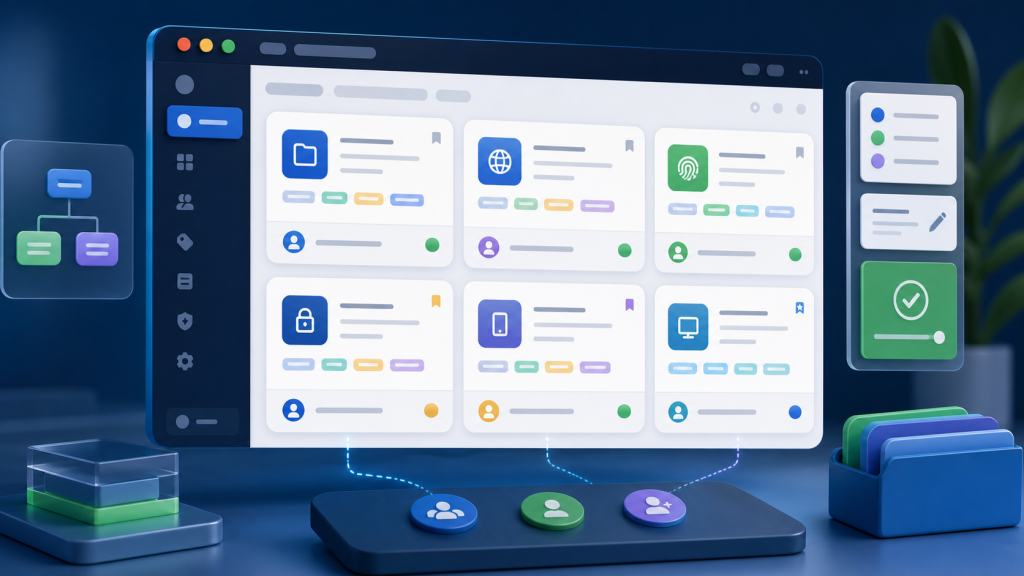
A browser profile naming convention looks minor until the team has dozens of profiles, several operators, and no reliable way to tell which account environment is safe to touch. The problem is rarely the name itself. The real problem is that the name becomes a weak substitute for ownership, region, proxy context, task stage, and handoff status.
This guide gives teams a practical naming and notes template for browser profiles. It works best when the profile name, tags, notes, owner, proxy mapping, and review status are treated as one operating standard inside a multi-account browser workspace.
Why profile names break down in teams
Most teams start with names that feel obvious: platform name, account nickname, market, or operator initials. That works for a small set of profiles. It breaks when profiles move between operators, when tasks run in different regions, or when automation depends on the right profile context.
A useful browser profile name should not try to store every detail. It should identify the profile quickly, then point the operator to the tags and notes that explain the environment. If the next person cannot understand the profile without asking in chat, the naming convention is not doing enough.
A practical naming format
Use a short, consistent format that separates business context from technical context. Keep the name readable and move detailed evidence into notes or custom fields.
| Field | Purpose | Example format | Common mistake |
|---|---|---|---|
| Project | Shows which workflow owns the profile. | SHOP, QA, ADS, SOCIAL | Using personal nicknames that no one else understands. |
| Platform | Shows the account surface or task family. | X, FB, AMZ, WEB | Mixing platform and campaign names in one field. |
| Region | Shows the expected market context. | US, UK, DE, JP | Writing a region that does not match proxy, timezone, or language notes. |
| Owner | Shows who is responsible for changes. | AL, MK, OPS1 | Leaving ownership only in a spreadsheet outside the browser workspace. |
| Sequence | Keeps related profiles sortable. | 001, 002, 003 | Renaming profiles every time the task changes. |
A compact format could look like this:
PROJECT-PLATFORM-REGION-OWNER-SEQ
The name should answer “what is this profile?” Tags and notes should answer “how should this profile be used?”
Tags should describe operating status
Tags are more flexible than names. Use them for status, task stage, review state, and routing decisions. A profile can keep the same name while its tags change as work moves through the team.
- Status tags: active, paused, review-needed, archived.
- Task tags: onboarding, daily-check, campaign-review, QA-pass.
- Risk-aware tags: proxy-changed, session-reset, manual-review, owner-handoff.
- Team tags: ops, support, QA, manager-review.
For team workflows, this is where a profile handoff test becomes useful. A profile is not ready to hand off just because the password works. The next operator also needs to understand the current context, last task, recent changes, and whether the profile should be reviewed before automation continues.
Notes should preserve environment context
Profile notes should be short, structured, and useful during review. Avoid writing long chat-style histories that no one reads. Use fixed fields so the next operator can scan the same information every time.
| Note field | What to record | Why it matters |
|---|---|---|
| Owner | Current responsible operator and backup owner. | Prevents untracked changes and unclear accountability. |
| Expected region | Country, timezone, language, and proxy mapping note. | Helps detect environment mismatches before tasks run. |
| Last safe task | Last completed action that was reviewed. | Creates a known recovery point for the next operator. |
| Recent changes | Proxy change, password reset, extension change, session reset. | Explains why a task may behave differently today. |
| Next action | Continue, review manually, pause, or escalate. | Reduces guesswork during handoff. |
This notes layer should align with the team’s broader browser workspace checklist. Naming is only one part of standardization. The same profile also needs consistent ownership, permissions, proxy rules, task records, and review expectations.
Template: browser profile handoff record
Use this template when a profile changes owner, enters review, or moves from manual operation to automation.
Profile name:
Project:
Platform:
Expected region:
Owner:
Backup owner:
Proxy mapping:
Timezone / language:
Last safe task:
Recent changes:
Current status tag:
Next action:
Review required before automation: yes / no
Evidence attached: screenshot / task log / notes / none
The “review required before automation” line is important. If a profile has recently changed proxy, session state, extensions, language, or task owner, it should not automatically continue just because the profile opens. Use an environment consistency checklist before the next run.
Keep session details out of the profile name
Do not put cookie state, login status, temporary errors, or session notes into the profile name. Those details change too often. Put them in notes, task logs, or review records instead. This keeps names stable and makes the profile easier to search.
For teams that often confuse cookies, sessions, and profiles, revisit session and profile separation. A profile can contain session-related data, but it should not be treated as the same thing as the session itself. The naming convention should reflect the account environment, not a temporary browser state.
Before adopting the convention
- Audit the current profile list and group obvious duplicates.
- Pick one naming format and freeze it for at least one review cycle.
- Define required tags before adding optional tags.
- Move long comments into structured notes.
- Run a handoff test with someone who did not create the profile.
- Update the convention only after reviewing real confusion points.
Good naming does not make a browser profile safer by itself. It makes profile ownership, context, and review state easier to verify. That is the practical goal: fewer mystery profiles, fewer undocumented changes, and a clearer path from manual work to reviewable browser automation.